
Tailor
A resume that looks the way you want
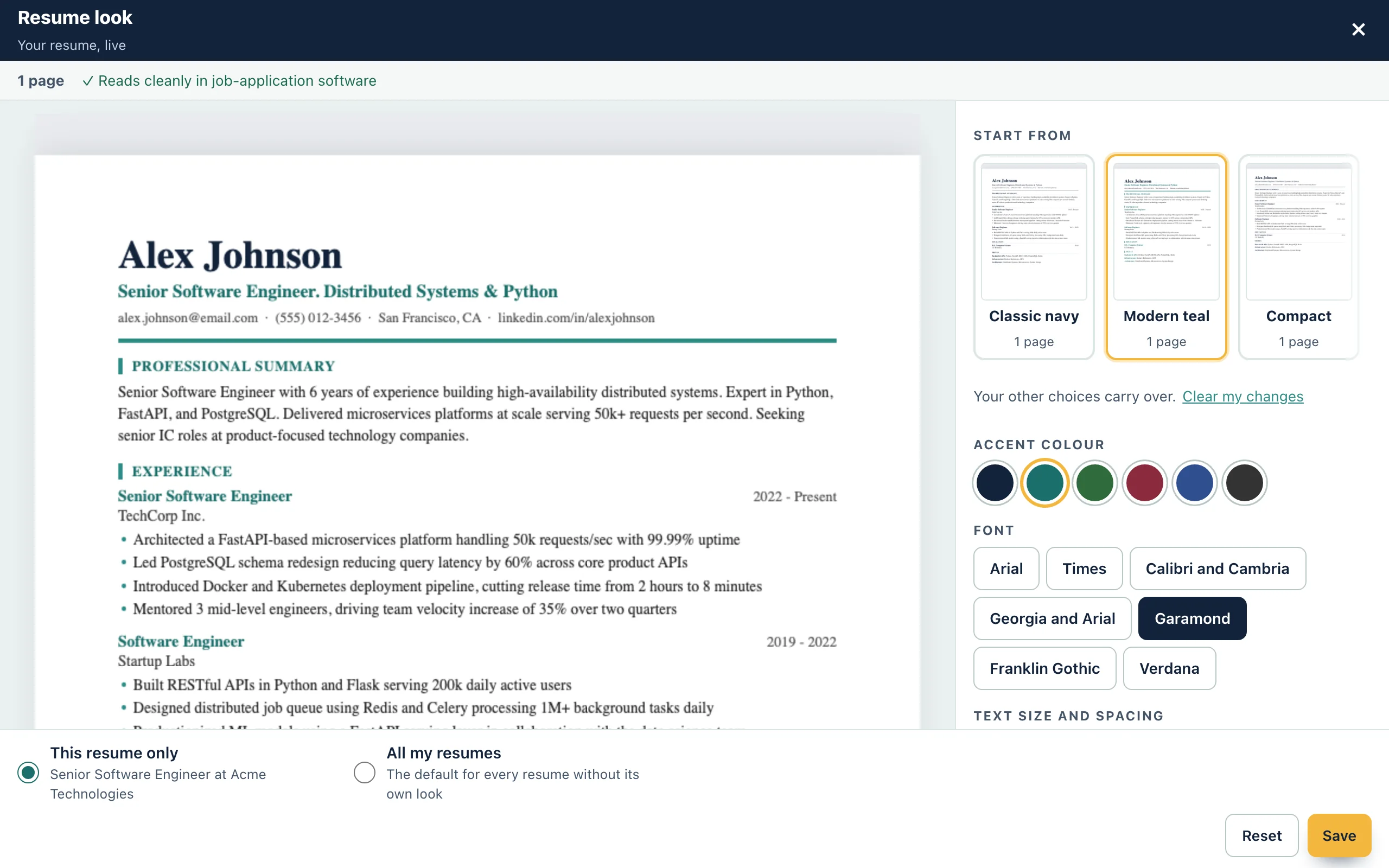
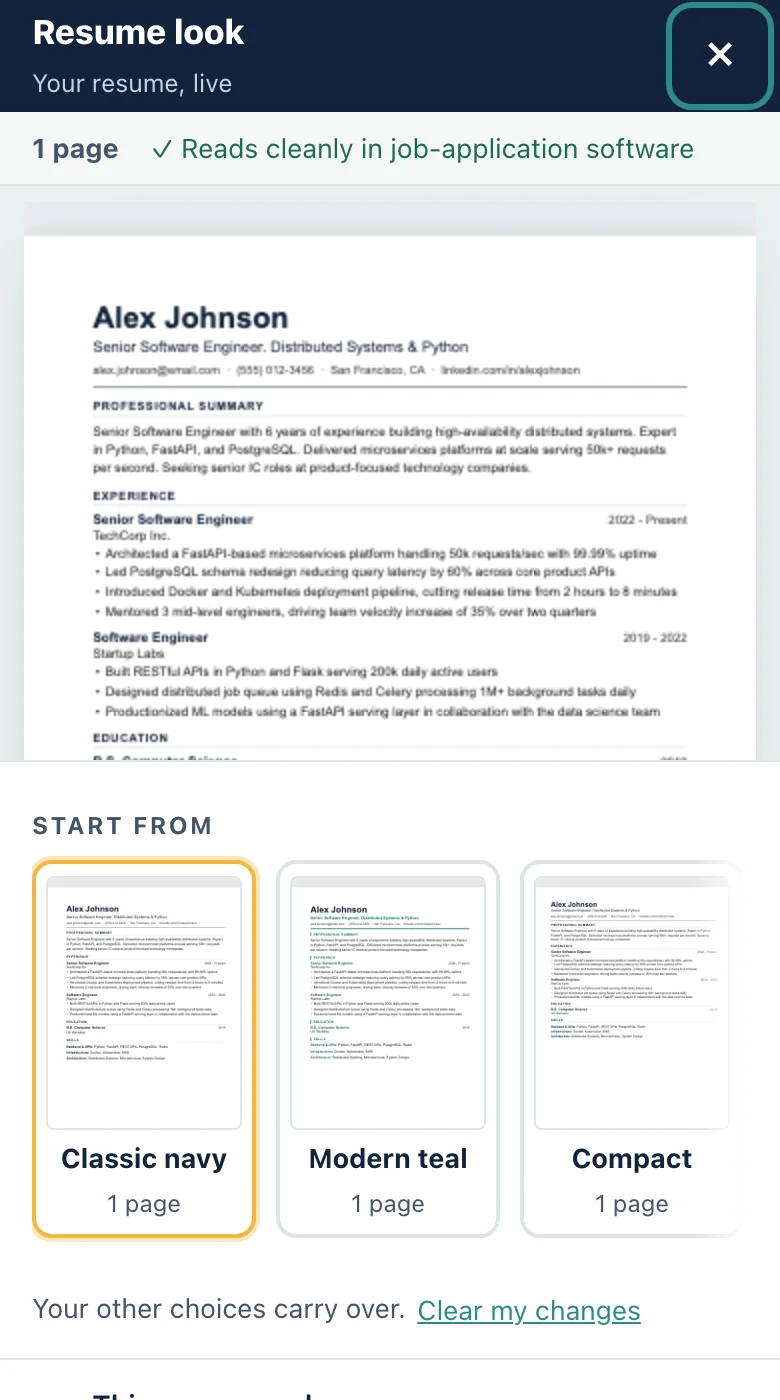
Start from a design, change the colour, font and spacing, and watch the page update. The same look carries into your Word and PDF files and your cover letter.
What it does
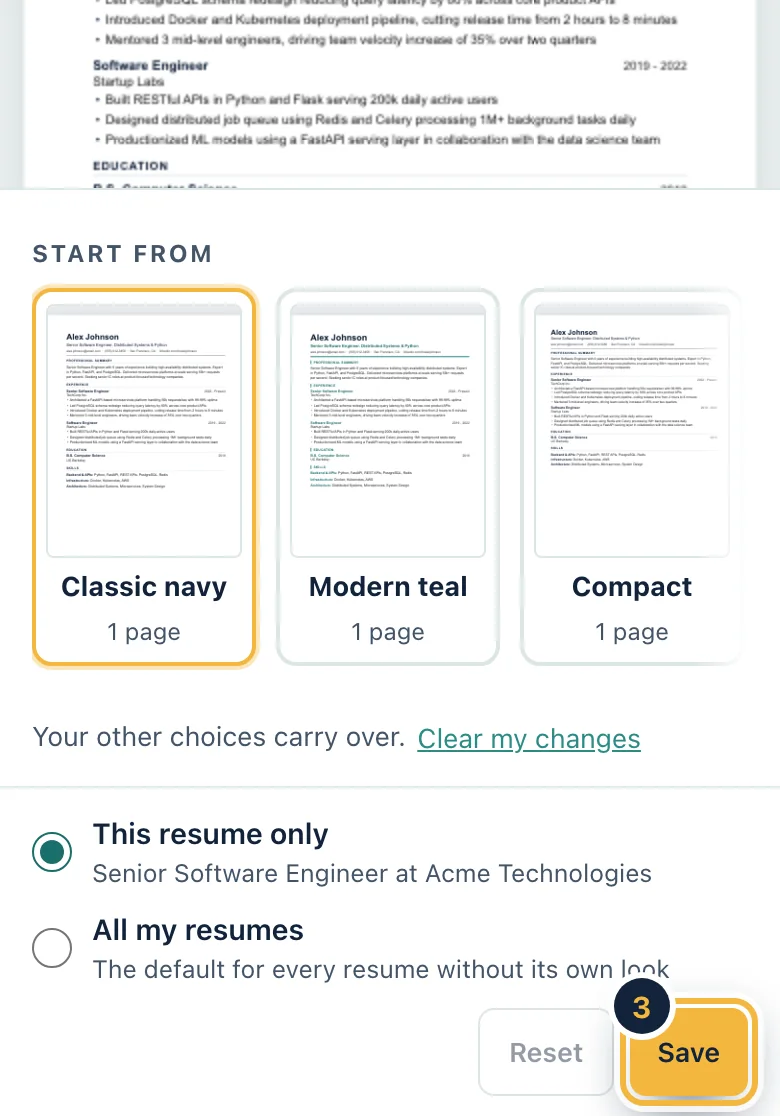
- Offers three starting designs: Classic navy, Modern teal and Compact.
- Lets you change the accent colour, the font, the spacing, the margins and the order of sections.
- Shows a live preview of your own resume as you choose.
- Checks that the design reads cleanly in job-application software.
- Applies to one resume only, or to all your resumes.
How it works
Step 1
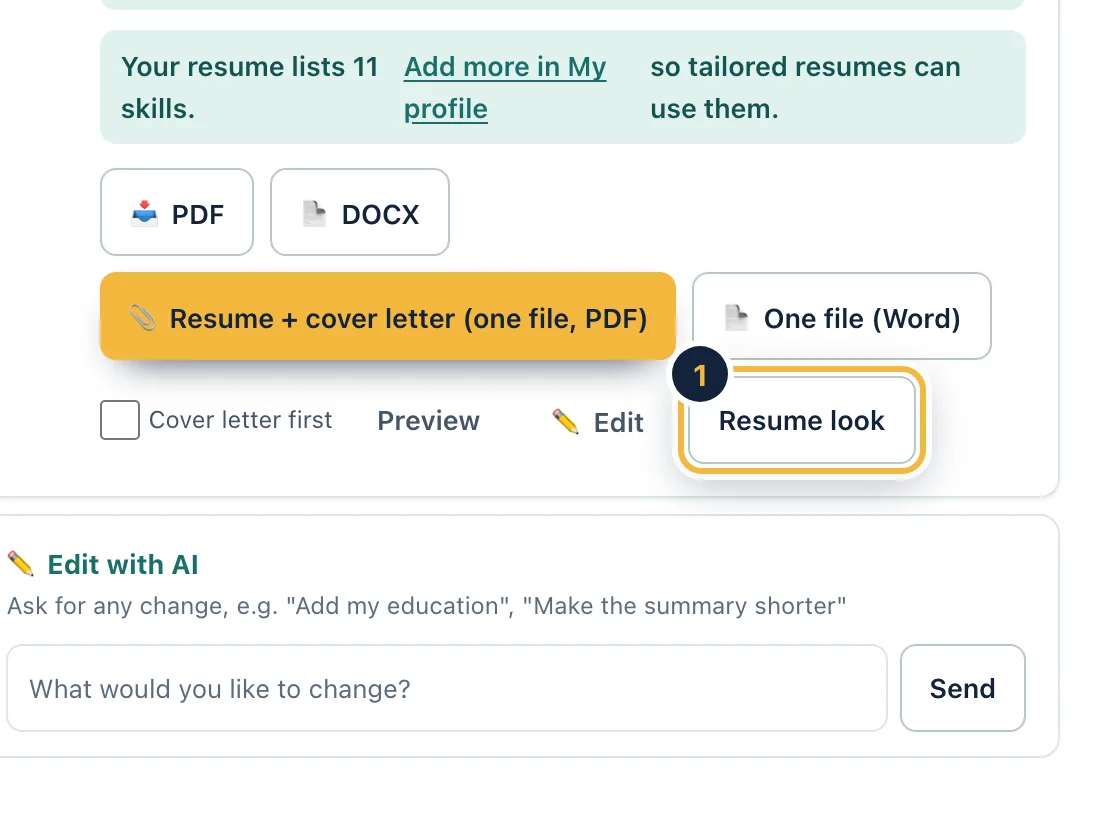
Open a job's resume and press Resume look. Your resume appears in a live preview.
Sample data, on a computer Step 2
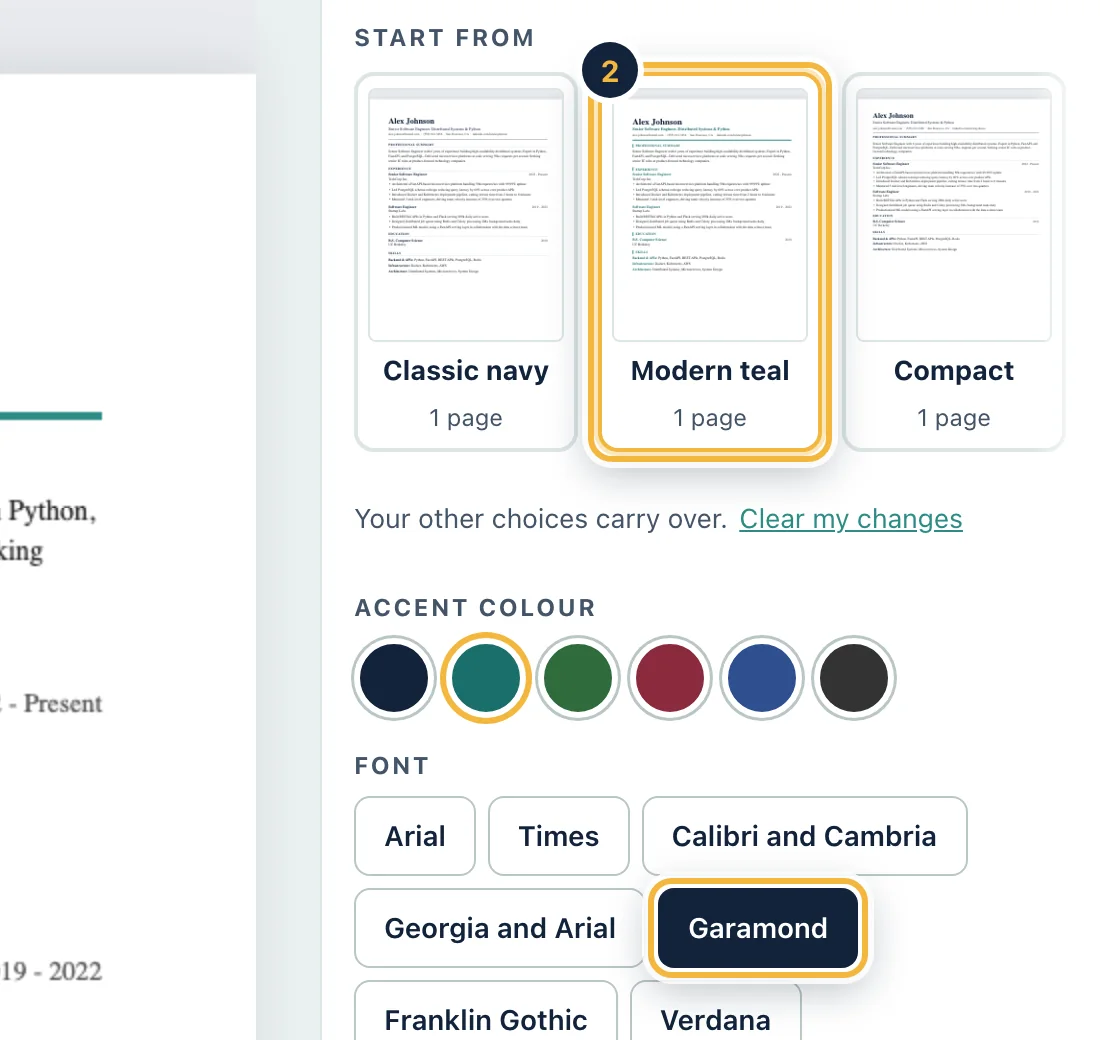
Pick a starting design, then an accent colour and a font. The preview follows each choice.
Sample data, on a computer Step 3
Choose whether it applies to this resume or all of them, then save. It works on a phone too.
Sample data, on a phone
Who it is for
- Want a resume that stands out
- Unsure which font to use
Questions
Does the design change what my resume says?
No. It changes how the same words look: colour, font, spacing, margins and heading style.
Will a design stop job-application software from reading my resume?
The screen checks the design and tells you when it reads cleanly. Stick to a standard layout and you keep text that software can read.
Is the design the same in the Word file and the PDF?
Yes. The screen preview, the Word file, the PDF and your cover letter all use the same design.
Can I use one design for every resume?
Yes. Choose All my resumes before you save.
Related features
Try it on your own resume
Create a free account and start with the sample jobs or your own.