
Tour
See the whole app on sample jobs first
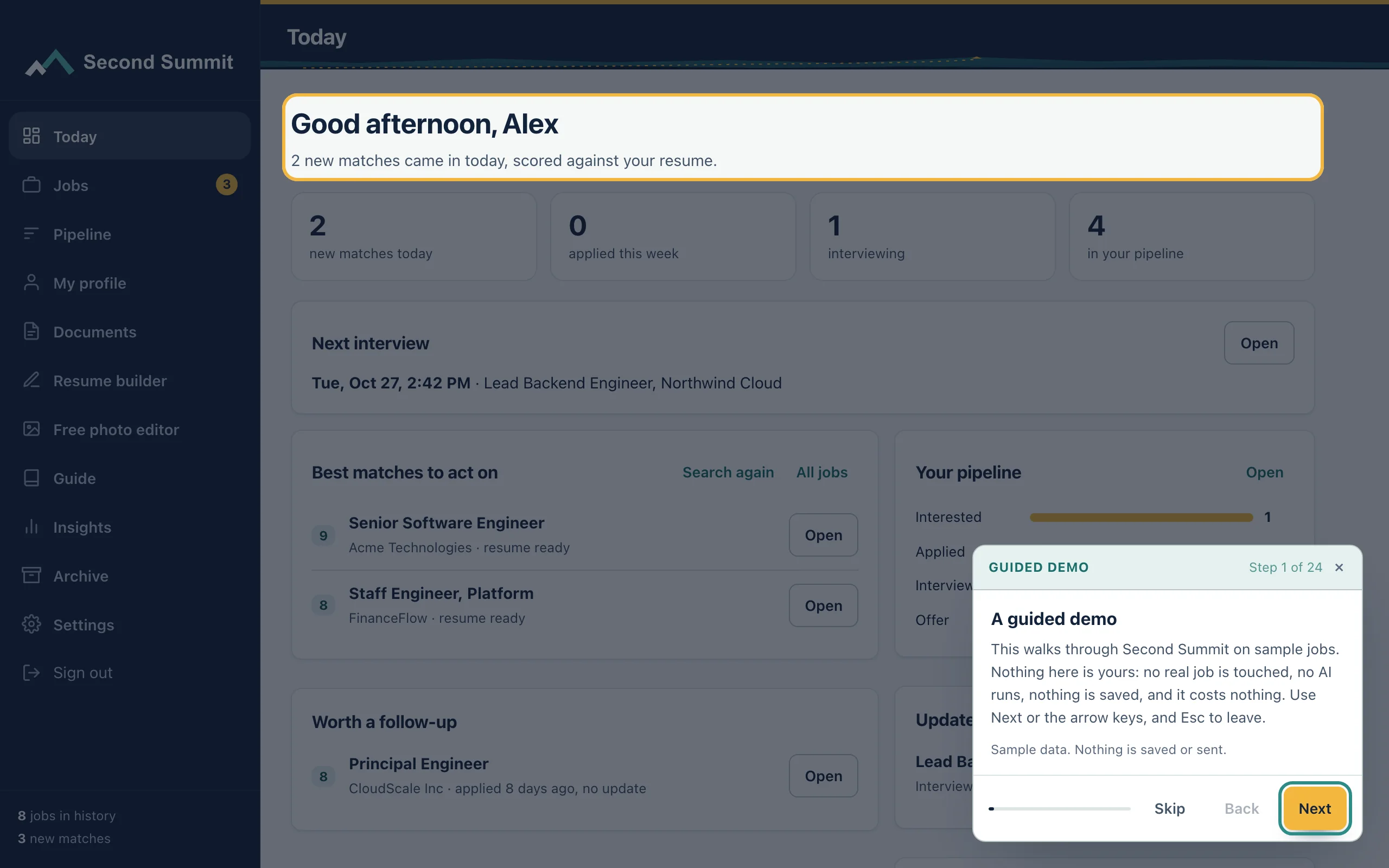
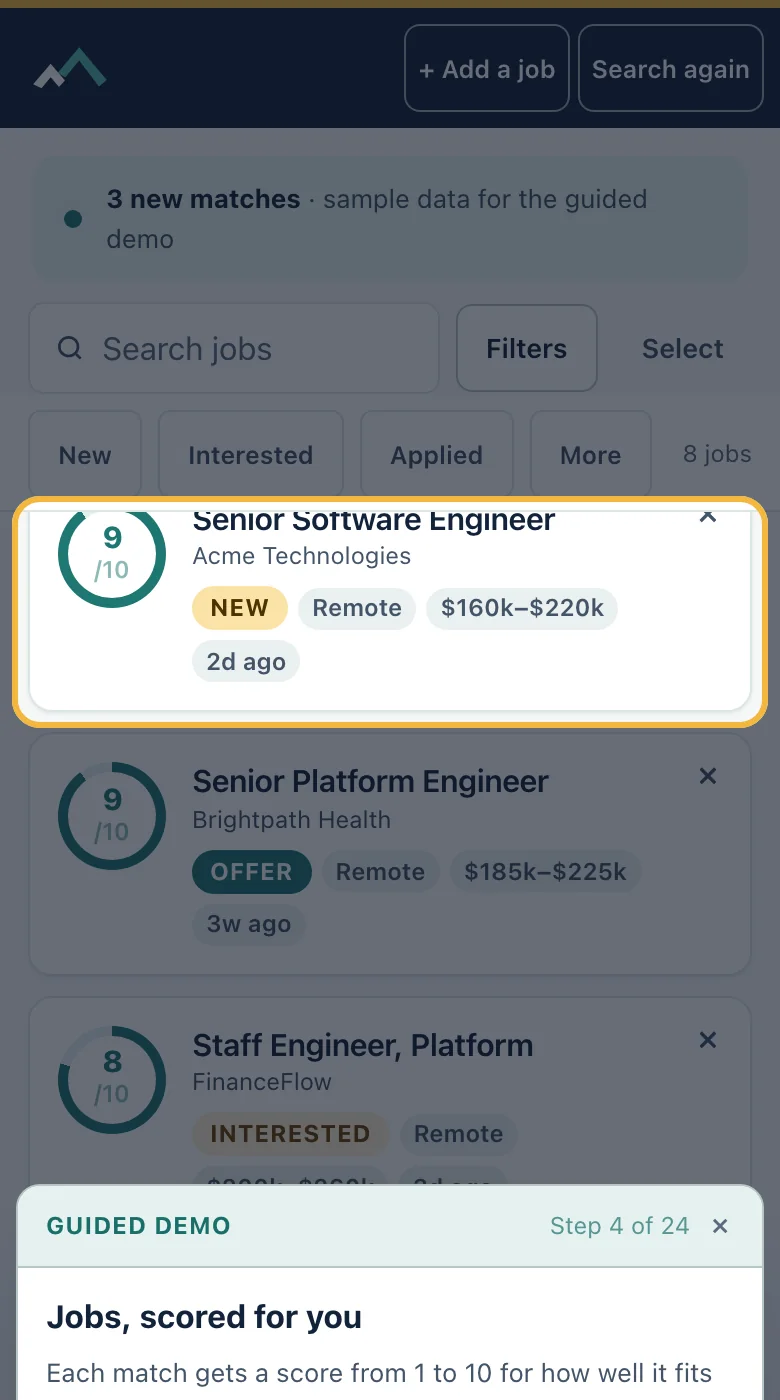
The guided demo walks through the real screens with made-up jobs. Nothing is saved or sent, and you can leave or replay it whenever you like.
What it does
- Walks through Today, Jobs, tailoring, the cover letter, the ATS check, the skills gap and the pipeline.
- Shows your profile, documents, settings and email tracking on sample data.
- Highlights the real screen element for each step, with one to three plain sentences.
- Has Next, Back and Skip, follows the left and right arrows on your keyboard and closes with Esc.
- Can be replayed from the Guide page or the More menu.
How it works
Step 1
Start the tour from the Guide page, the More menu or the banner on a new account.
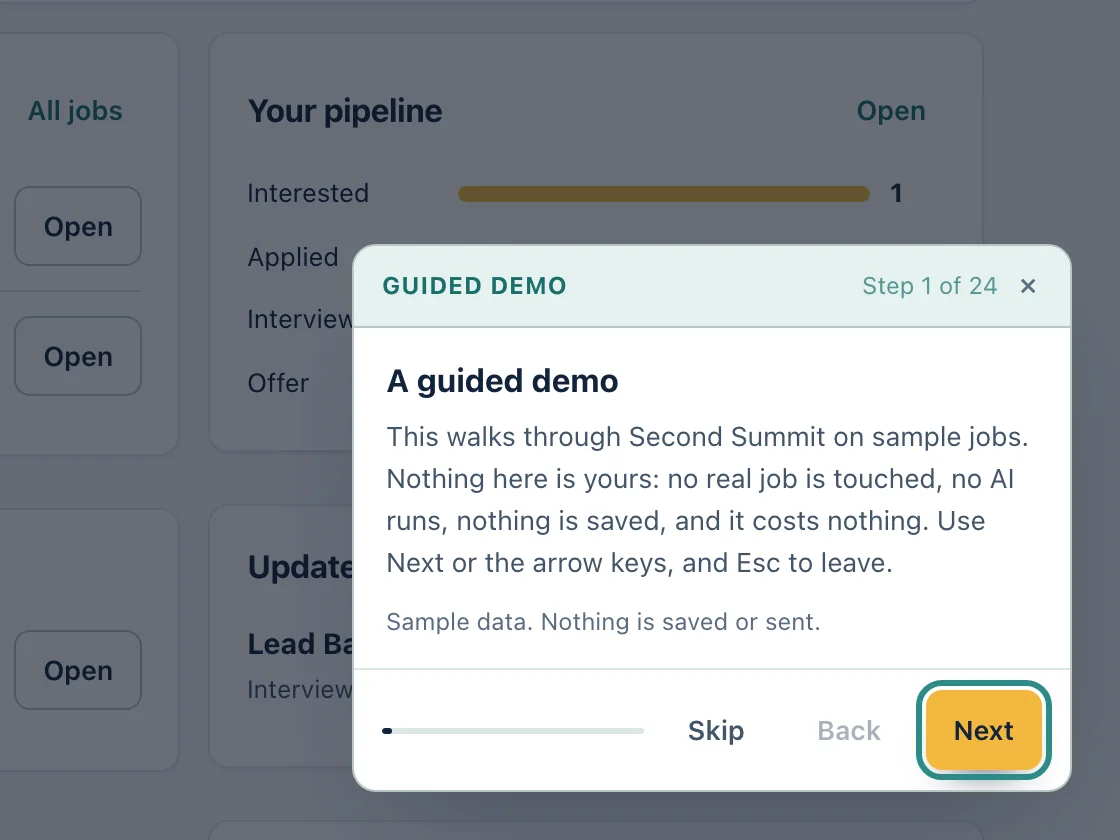
Sample data, on a computer Step 2
Follow each highlighted screen. Press Next, or the right arrow on your keyboard.
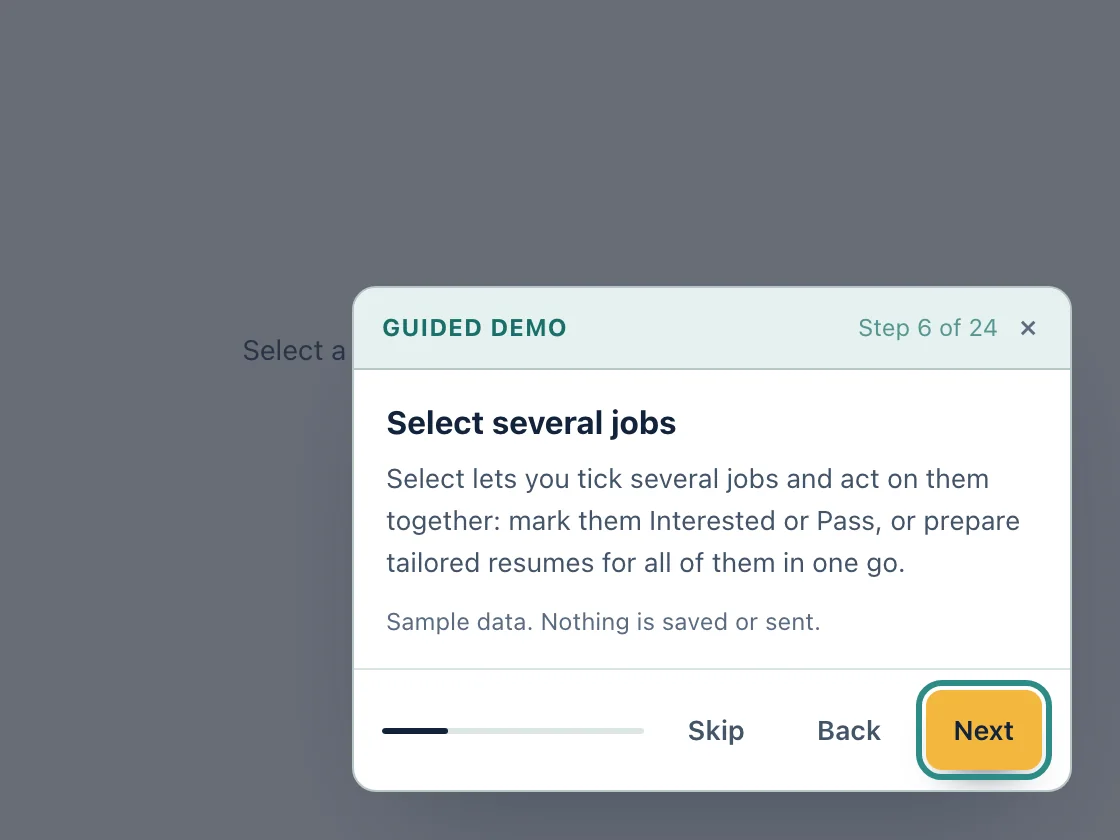
Sample data, on a computer Step 3
On a phone, the card sits at the bottom so you can see the screen above it.
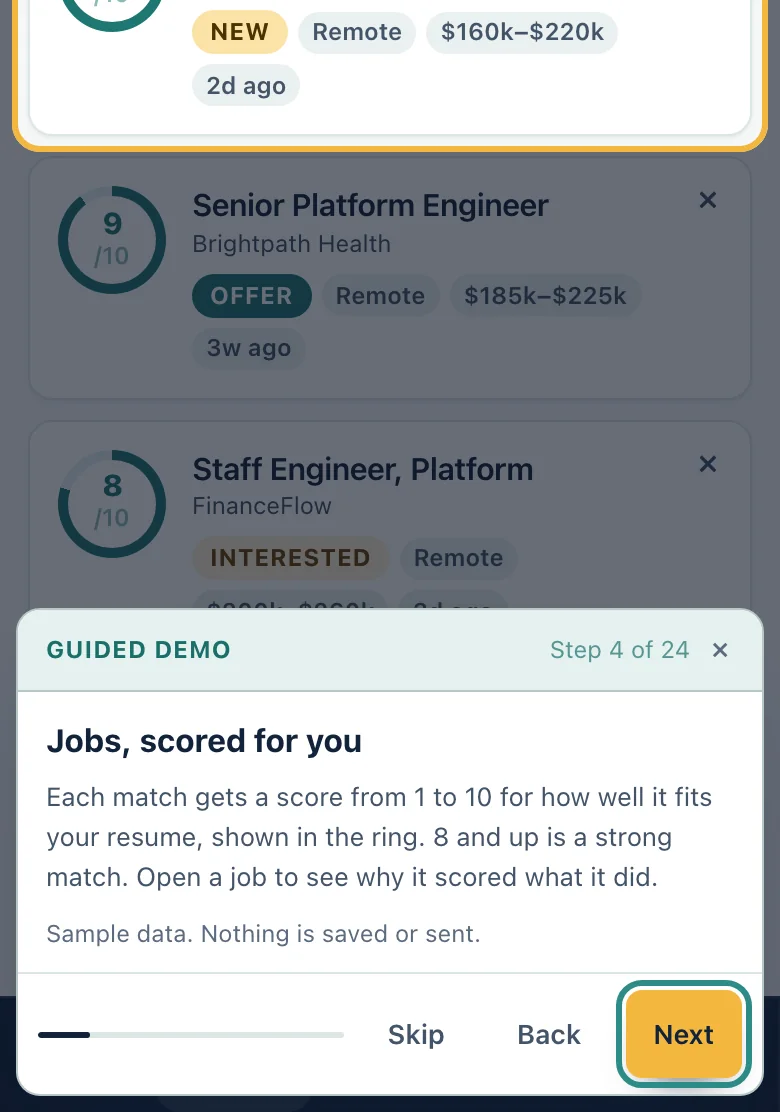
Sample data, on a phone
Who it is for
- Want to look before you add anything
- Returning after a break
Questions
Do I need an account?
Yes. The tour opens inside the app, so create a free account first. It uses sample jobs, not yours.
Does the tour change my data?
No. It shows sample data only, and nothing is saved or sent while it runs. Closing it puts you back where you were.
Can I replay it?
Yes. Open the Guide page or the More menu and choose Replay the guided demo.
Can I skip it?
Yes. Press Skip or Esc at any step. It never starts by itself.
Related features
Try it on your own resume
Create a free account and start with the sample jobs or your own.