
Apply
Answer the usual questions once
Work authorization, pay, start date, relocation and links are asked on almost every form. Save them once, then copy them from any job or let Trailhead use them.
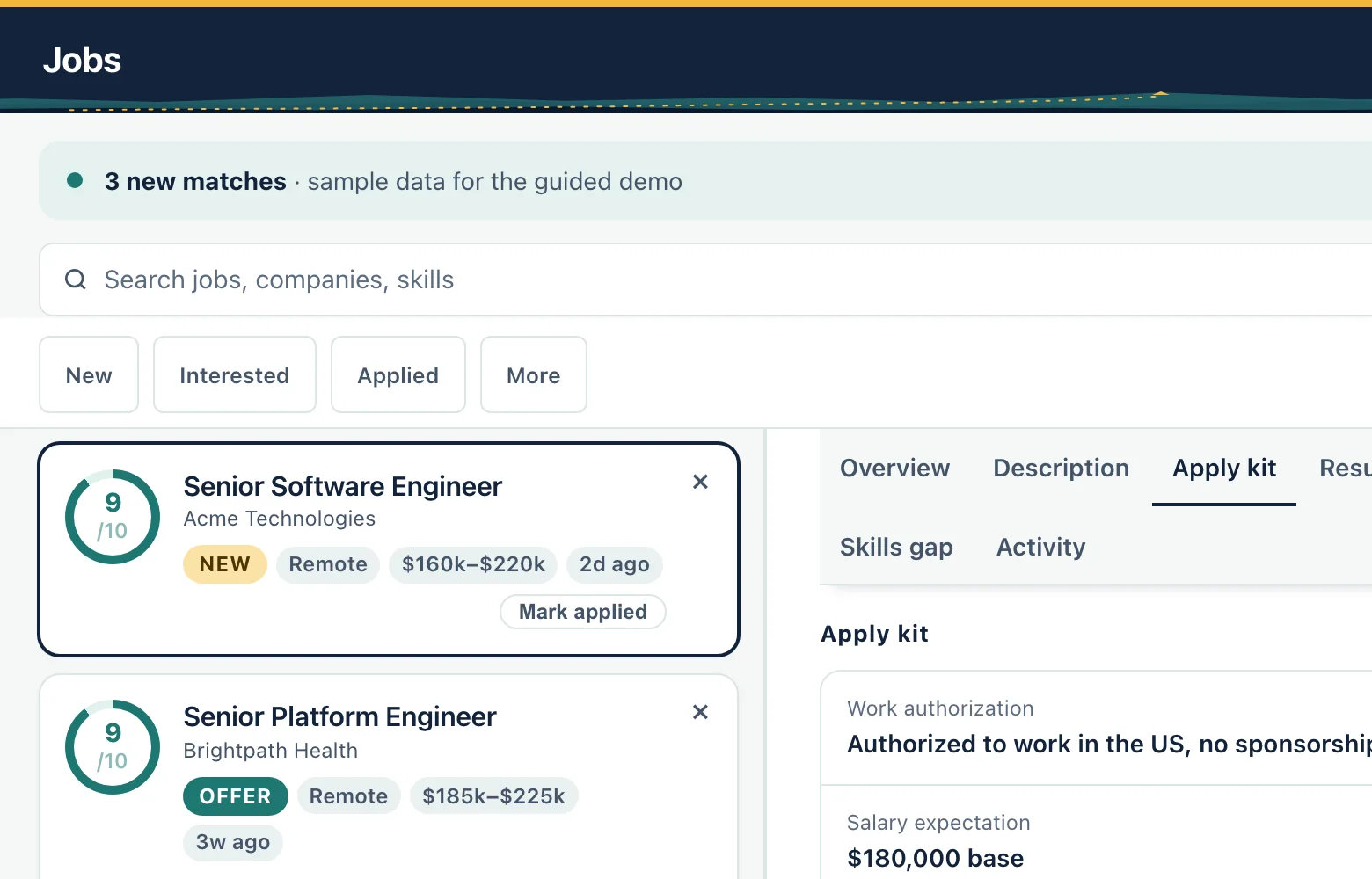
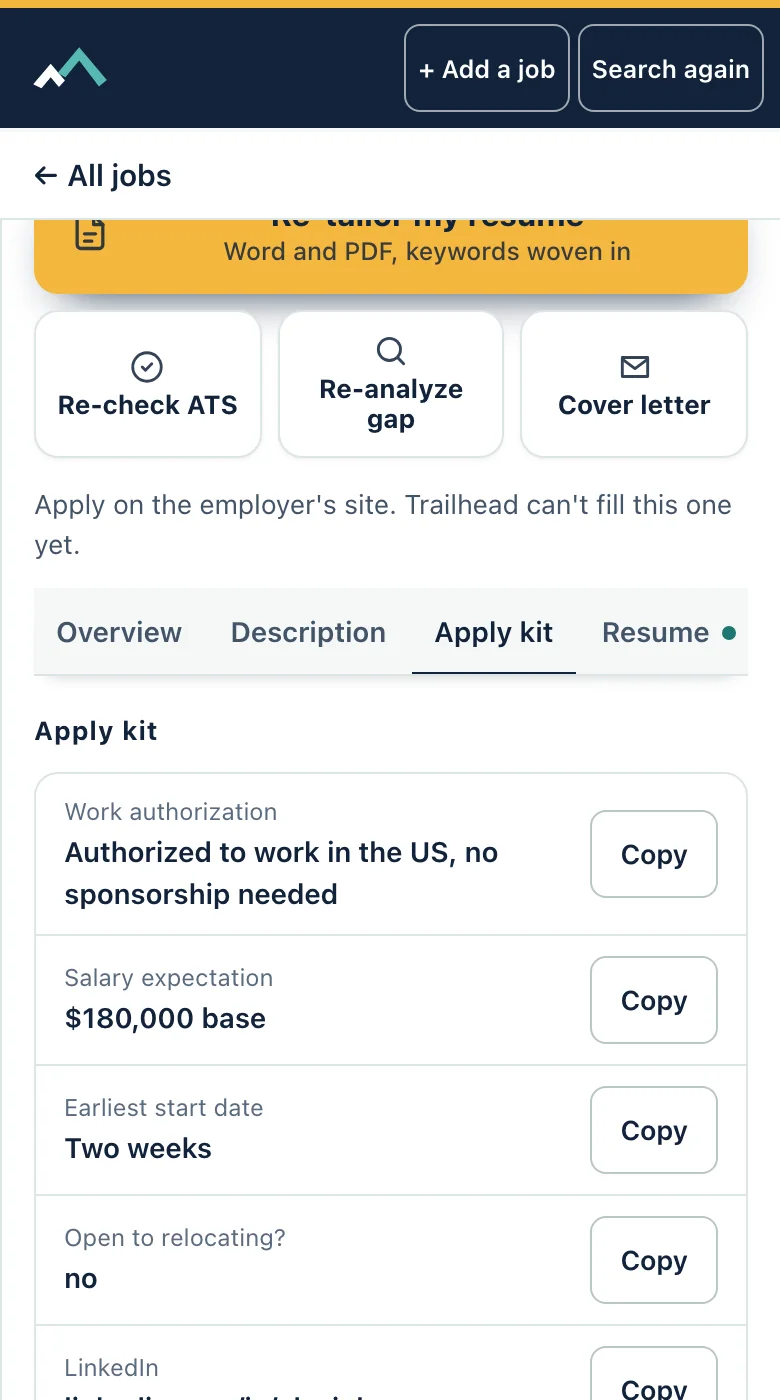
What it does
- Keeps the answers you give on nearly every application: work authorization, salary expectation, earliest start date, relocation, LinkedIn and portfolio.
- Has room for two questions of your own.
- Shows each job's Apply kit with a Copy button beside every answer.
- Reuses what you already gave in setup or your profile, so nothing is typed twice.
- Feeds the same answers to Trailhead when it fills a form.
How it works
Step 1
Open Settings and fill in Application answers once. Change them whenever you like.
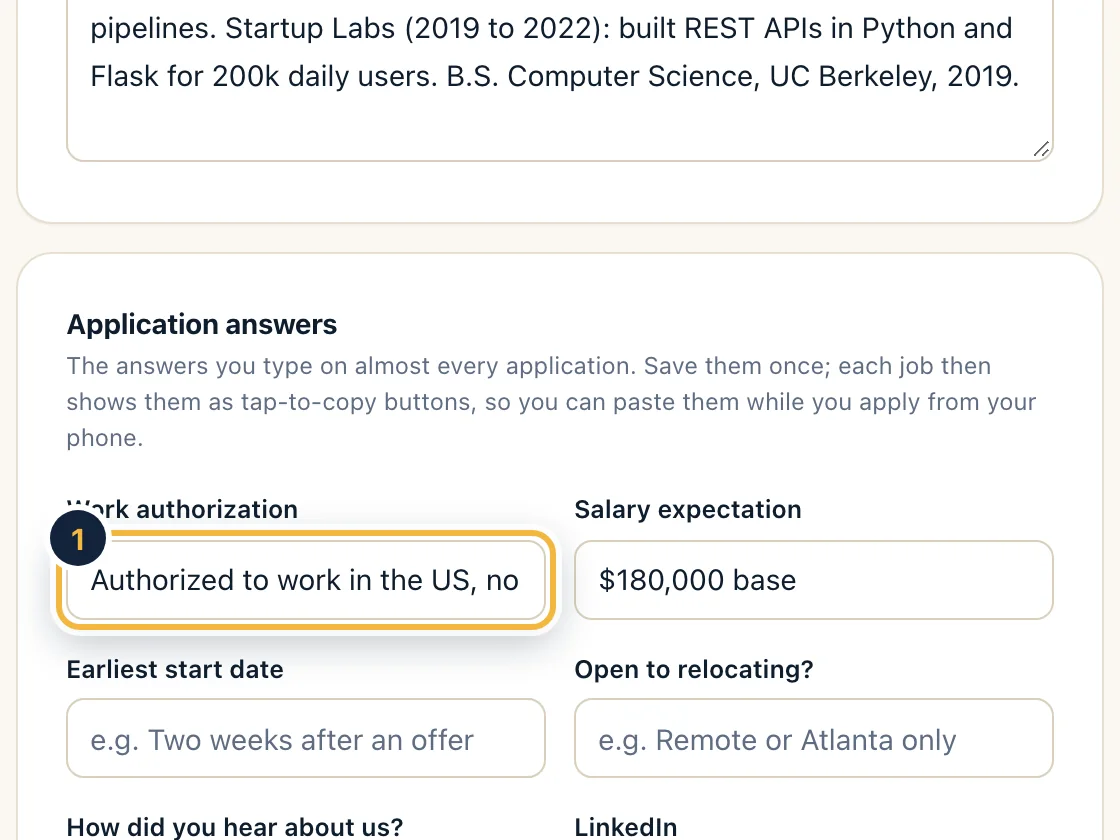
Sample data, on a computer Step 2
Open a job's Apply kit tab. Each saved answer has a Copy button.
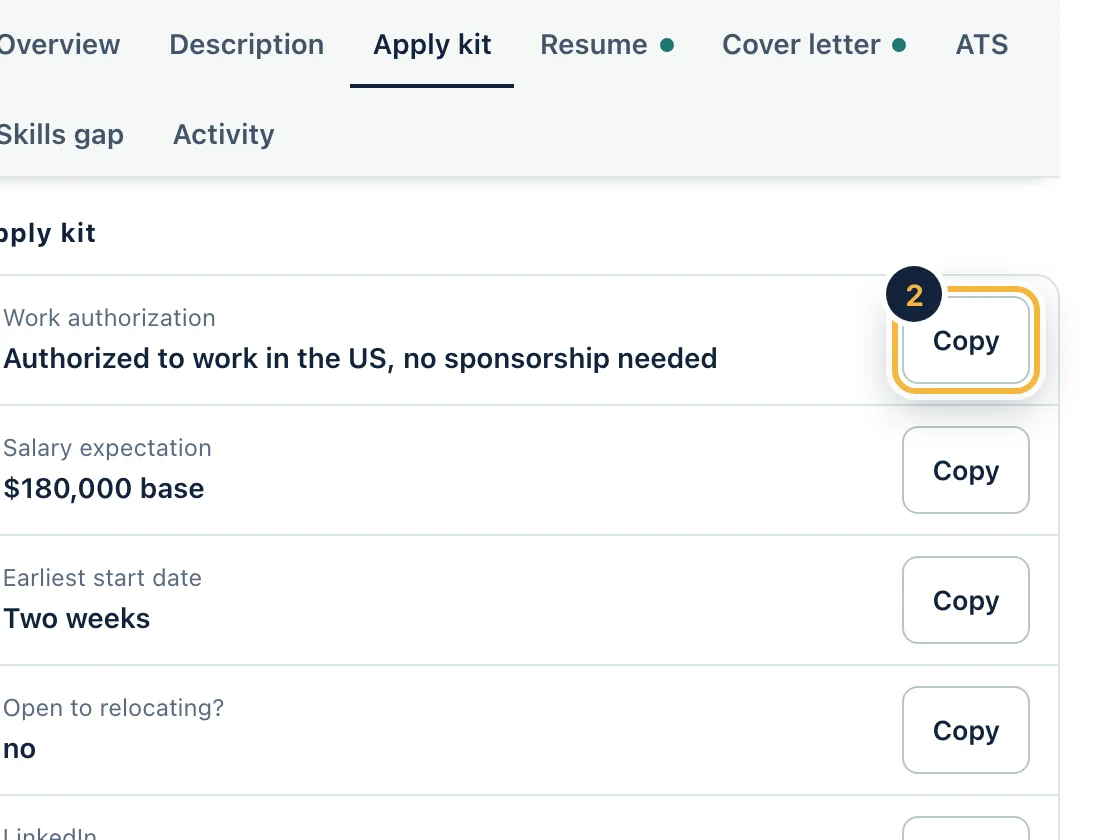
Sample data, on a computer Step 3
Apply from your phone: copy an answer, paste it into the form and move on.
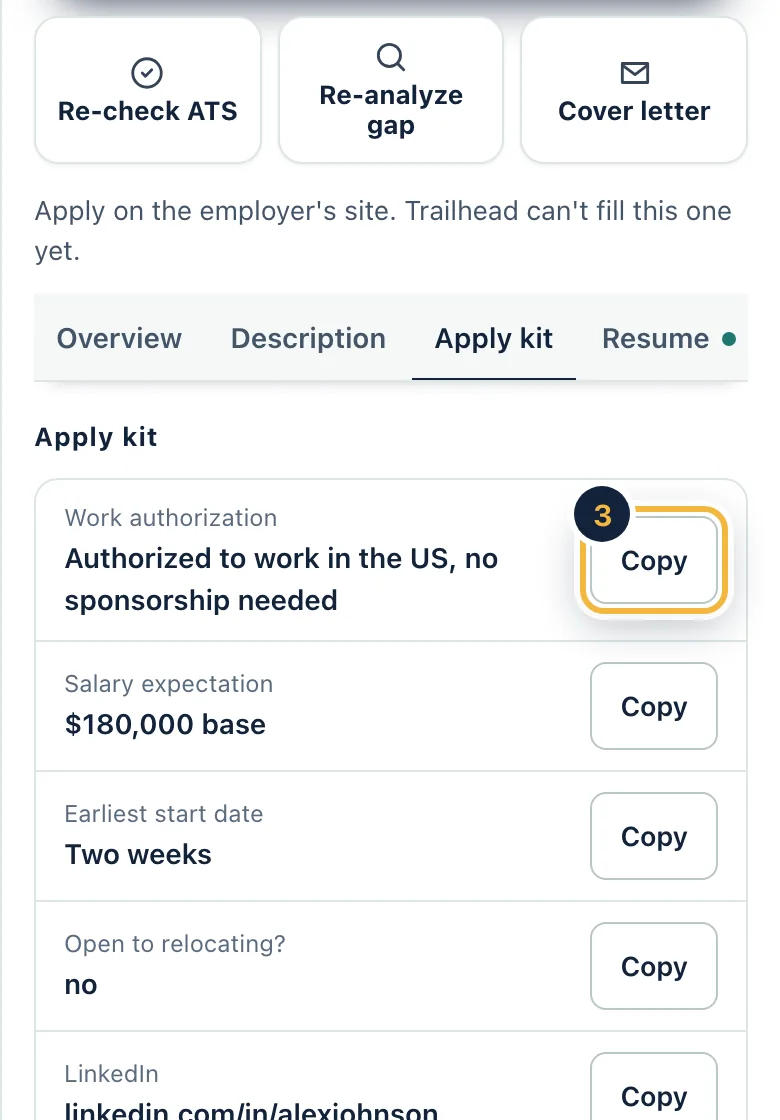
Sample data, on a phone
Who it is for
- Applying to many jobs
- Applying from your phone
Questions
Which answers can I save?
Work authorization, salary expectation, earliest start date, relocation, LinkedIn and portfolio, plus two questions of your own.
Do I have to type answers twice?
No. Answers you already gave in setup or your profile show in the kit too.
Who can see my saved answers?
They belong to your account. The privacy page describes how we handle them.
Does Trailhead use the same answers?
Yes. It uses them when it fills a form and asks you when an answer is missing.
Related features
Try it on your own resume
Create a free account and start with the sample jobs or your own.