
Apply
Trailhead helps you finish the application form
Trailhead is our browser extension. On the systems it supports, it fills in your details, your saved answers and your tailored resume, asks about the rest, and you press Submit.
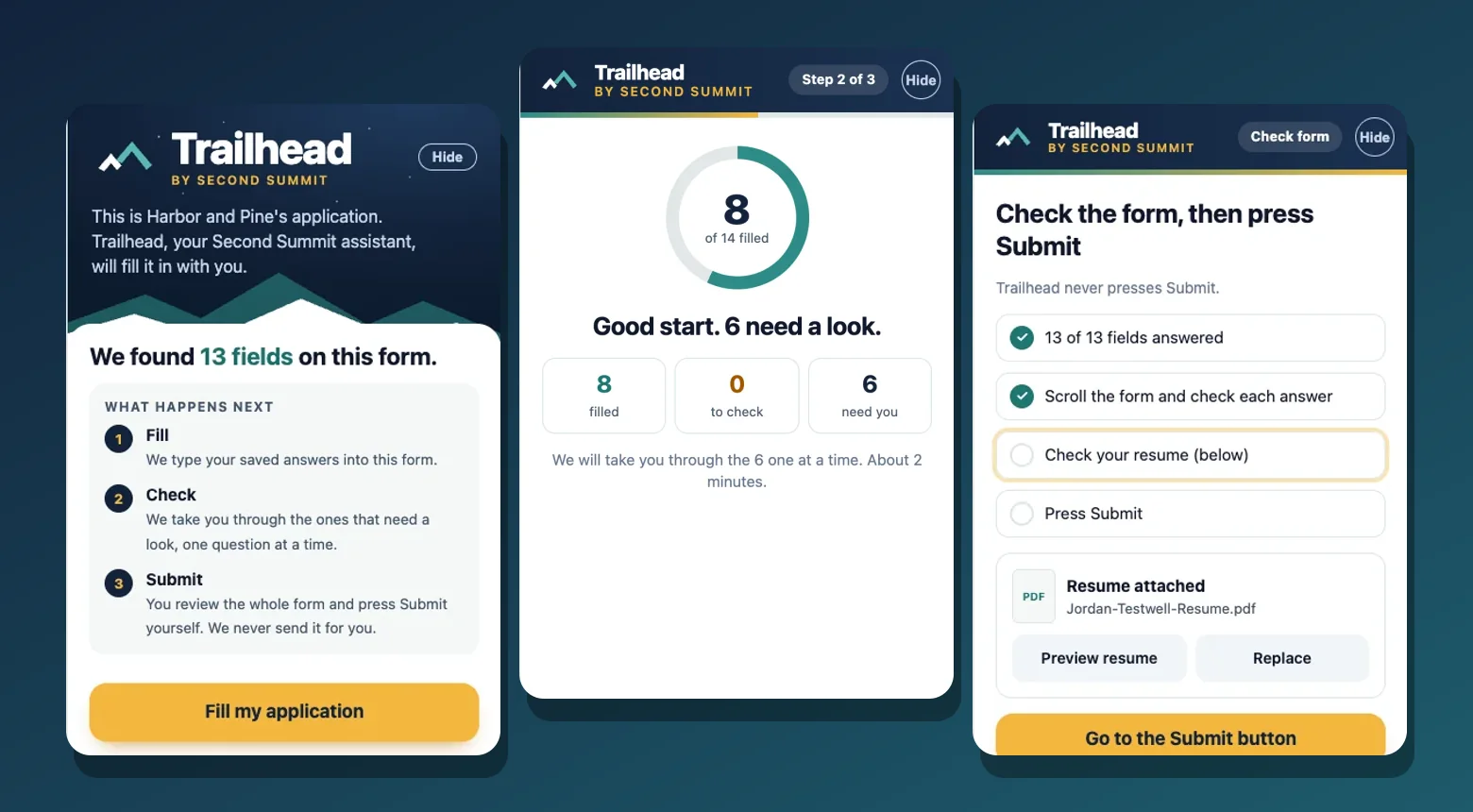
What it does
- Finds the fields on an application form and tells you what happens next.
- Fills in your details, your saved answers and the resume you tailored for that job.
- Marks what it is unsure about and asks one question at a time.
- Gives you a review list and leaves legal and demographic questions to you.
- Never presses Submit. Once you say you applied, it marks the job Applied in your pipeline, with an Undo.
How it works
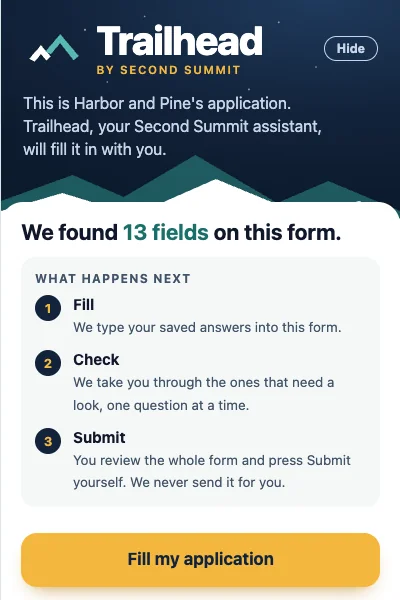
Step 1
Open the application. Trailhead finds the fields and tells you what happens next.
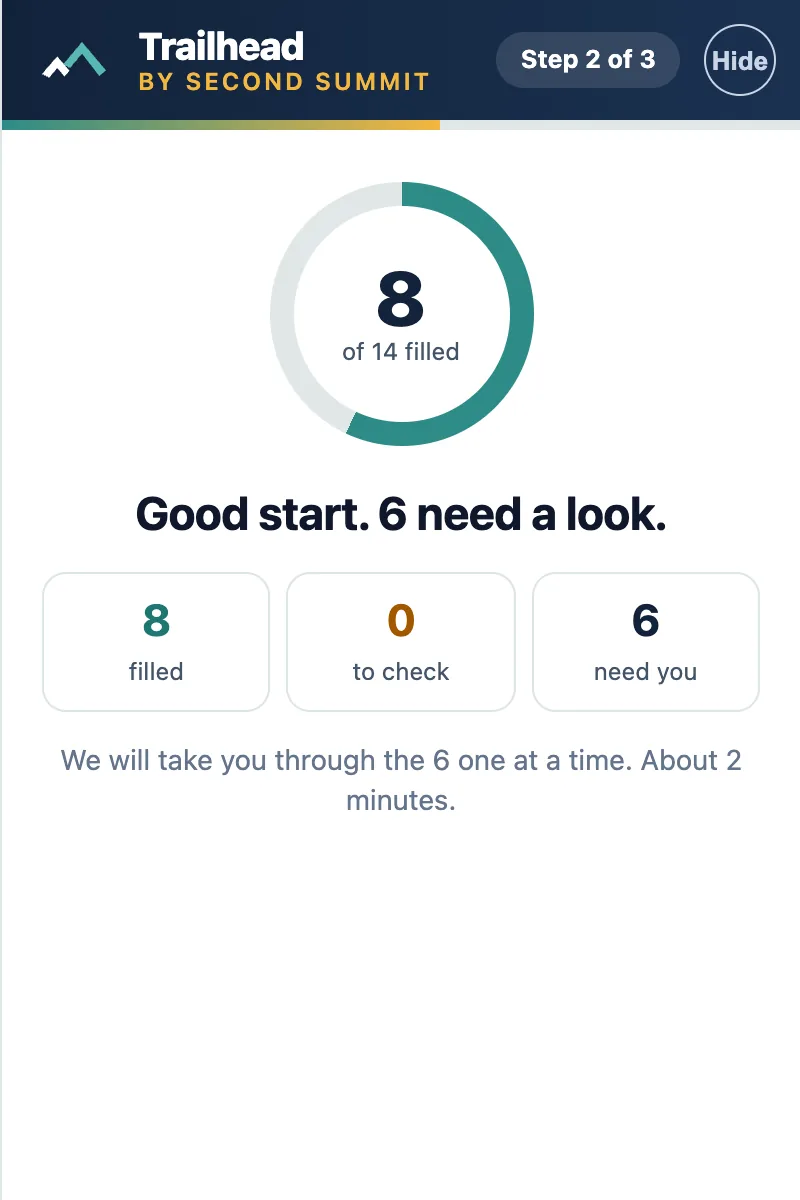
Sample data, in the Trailhead panel Step 2
Press Fill my application. It types your saved answers and shows what was filled and what needs a look.
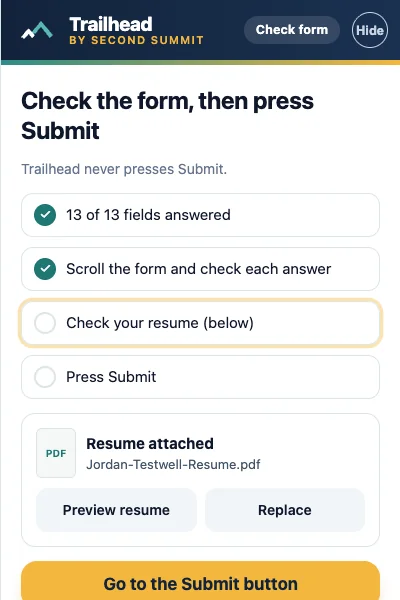
Sample data, in the Trailhead panel Step 3
Check the form, then press Submit yourself. Trailhead never does it for you.
Sample data, in the Trailhead panel
Who it is for
- Applying to many jobs
- On a computer with Chrome or Edge
Honest limits
On your computer, in Chrome or Edge, Trailhead fills the forms of the three employer systems that have passed our checks. On a few more it helps with sign-in, plain text boxes, your saved answers and your resume. On your phone, in the iPhone app, it hands you your answers and your resume. You always press Submit.
Questions
Does Trailhead submit my application?
No. It never presses Submit. You check the form and press it yourself.
Which employer systems does it work on?
It fills forms on three systems that have passed our checks. On a few others it helps with sign-in pages, plain text boxes, your saved answers and your resume. Where it cannot help, it says so.
What does it do on my phone?
In the iPhone app, it hands you your answers and your resume, one at a time, while you fill the form yourself.
What if it is not sure about an answer?
It marks the field and asks you. Legal and demographic questions are always left for you to answer.
Related features
Try it on your own resume
Create a free account and start with the sample jobs or your own.